What Computer Skills Are Needed to Be A Successful inventRight Member?
To successfully participate in the inventRight programs some specific computer skills are essential, and NOT having the capability to do these things will certainly hinder a person's ability to successfully work through the iR 10 Steps within the allotted time frame of our training programs.
The essential computer skills that you must possess are:

Basic Typing Skills
You need a basic knowledge of some type of typing program (word processor). This could be Microsoft Word, a Text Editor, or Google Docs. Something you can type into and format or change the text. Having a spell checker is a bonus as well. This could be done on a smart phone, tablet or your computer.
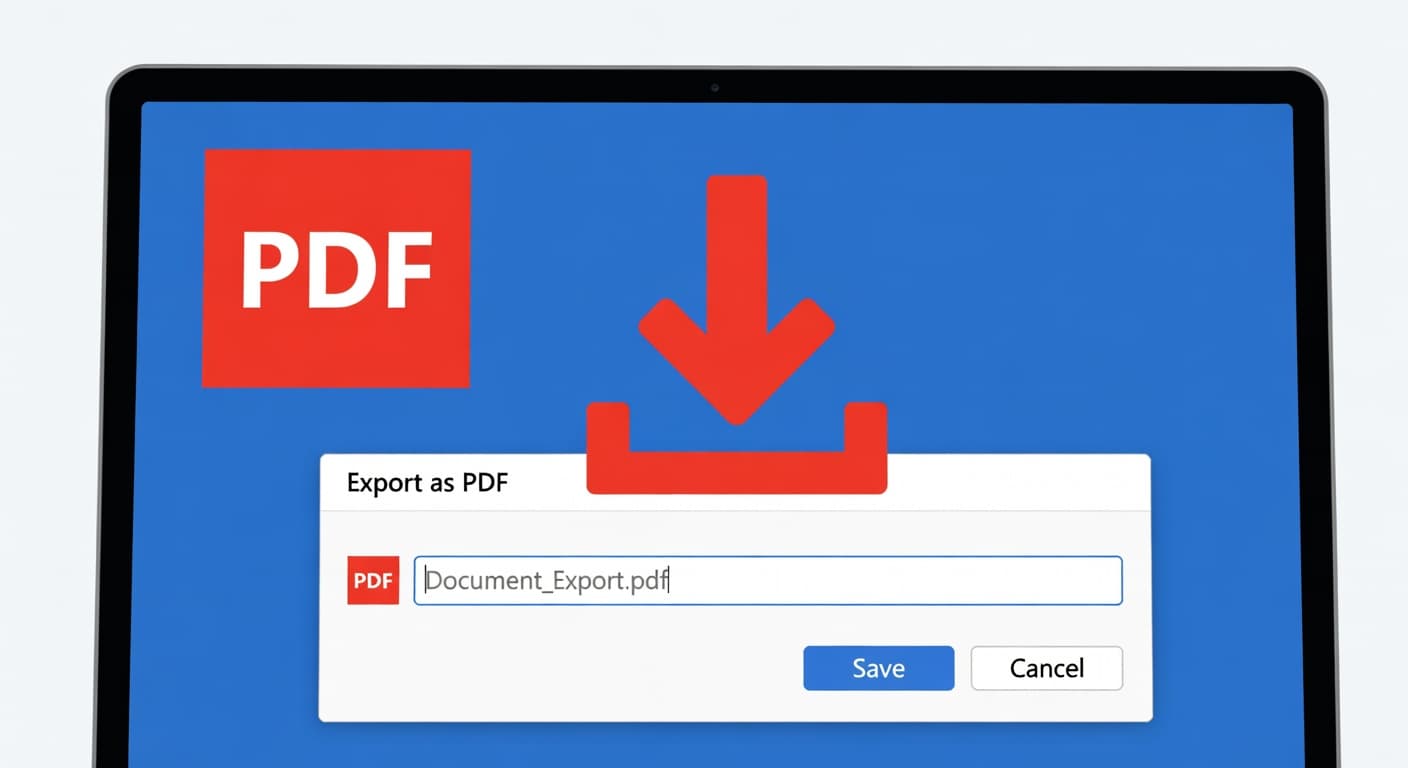
Saving a PDF
The world works on PDFs (Portable Document Format) these days. It's a common document format that every computer can open. You will need a basic knowledge of how to save or export your word processing document into a PDF format. Most word processing programs let you save or export your document as a PDF.
Email Skills
You need a basic knowledge of email. How to send and receive emails. This could be using an email program on your computer such as Apple Mail, Outlook, Thunderbird, to name just a few, or through an online email site such as Google Gmail, Yahoo or others.
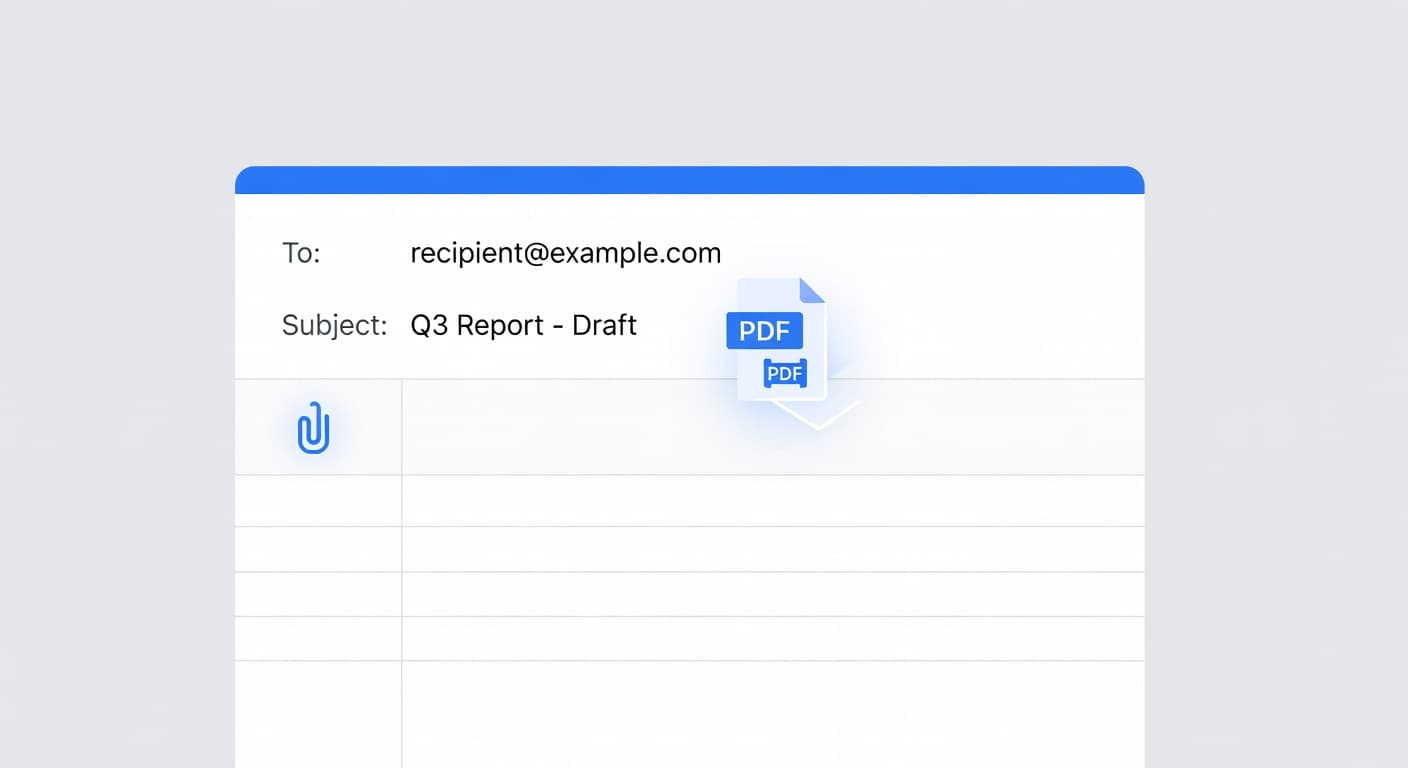
Basic Attachments
You need a basic knowledge of how to attach a document to an email. Working with an inventRight coach you will need to send documents to each other. You will also need these skills when it comes time to start marketing to companies and negotiating a licensing deal.

Basic Web Skills
If you haven't visited a website you must be living under a rock. Everyone from a 3 year old to a 90 year old grandma knows how to surf the web. You will need to know how to search for website, visit them and gather information. You will also need to know how to copy and paste the website addresses for later use.
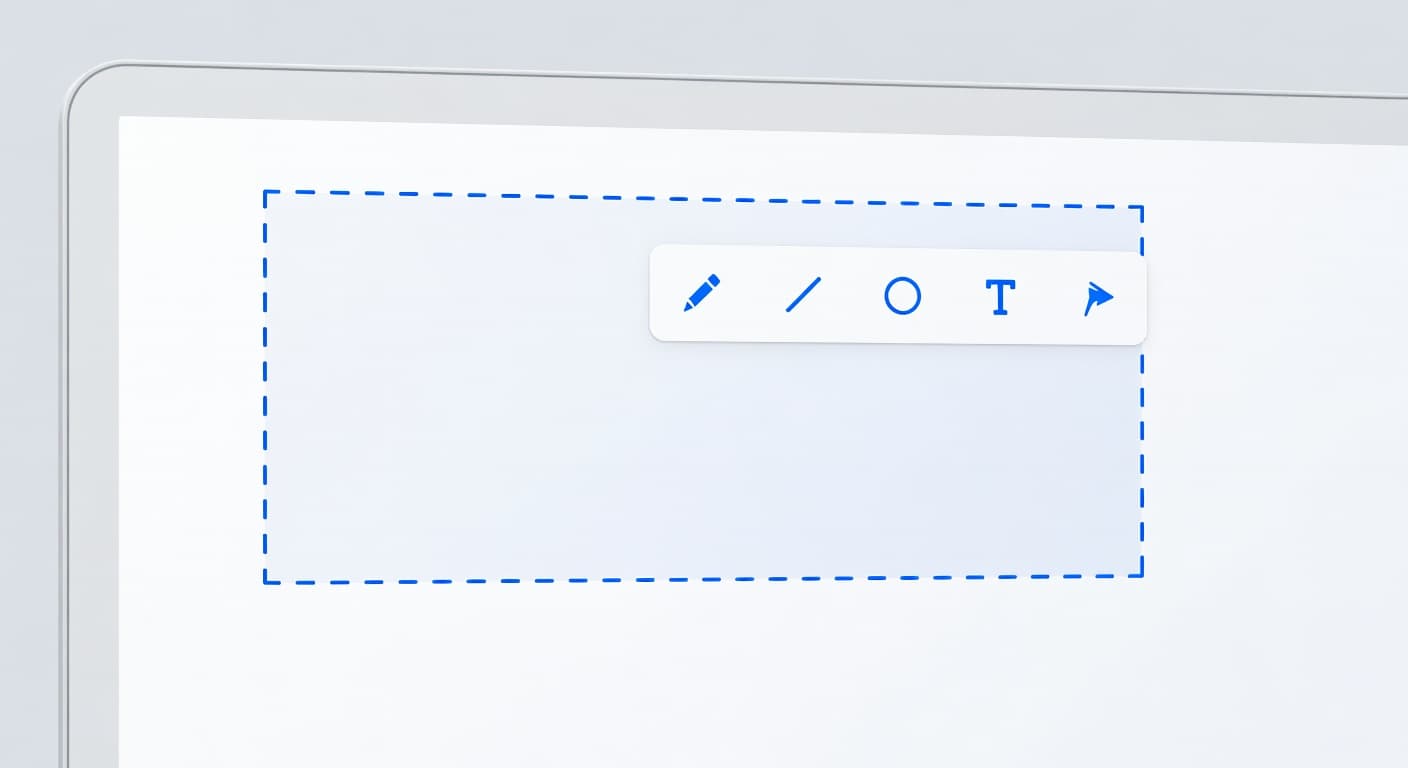
Screen Capture
Part of the product development process will include developing your marketing material. To effectively do that you need to screen capture and annotate (make notes) on things you find on the internet. This can be done fairly easily on your computer or smart phone/tablet.
How Do You Get Some of These Skills if You Don't Know How To Do Them?
We recommend using LinkedIn Learning to gain basic skills in many of the software programs you will need to know. You can learn the basics of Microsoft Word & Excel, as well as many other software programs and platforms.
Sign up for a free month of LinkedIn LearningSome of the courses we recommend:
Alternatively, you can also find some great learning courses at SkillShare.com as well.
Get a free month at SkillShare.comWe at inventRight want to see you participate in and find success through our training programs by learning the iR 10 Steps for Licensing Success. If that is what you want as well, and yet you don't have the skills listed above, then please take the needed time to learn these skills before beginning your inventRight membership.
Thank you,
inventRight
Ready to start your inventing journey?
